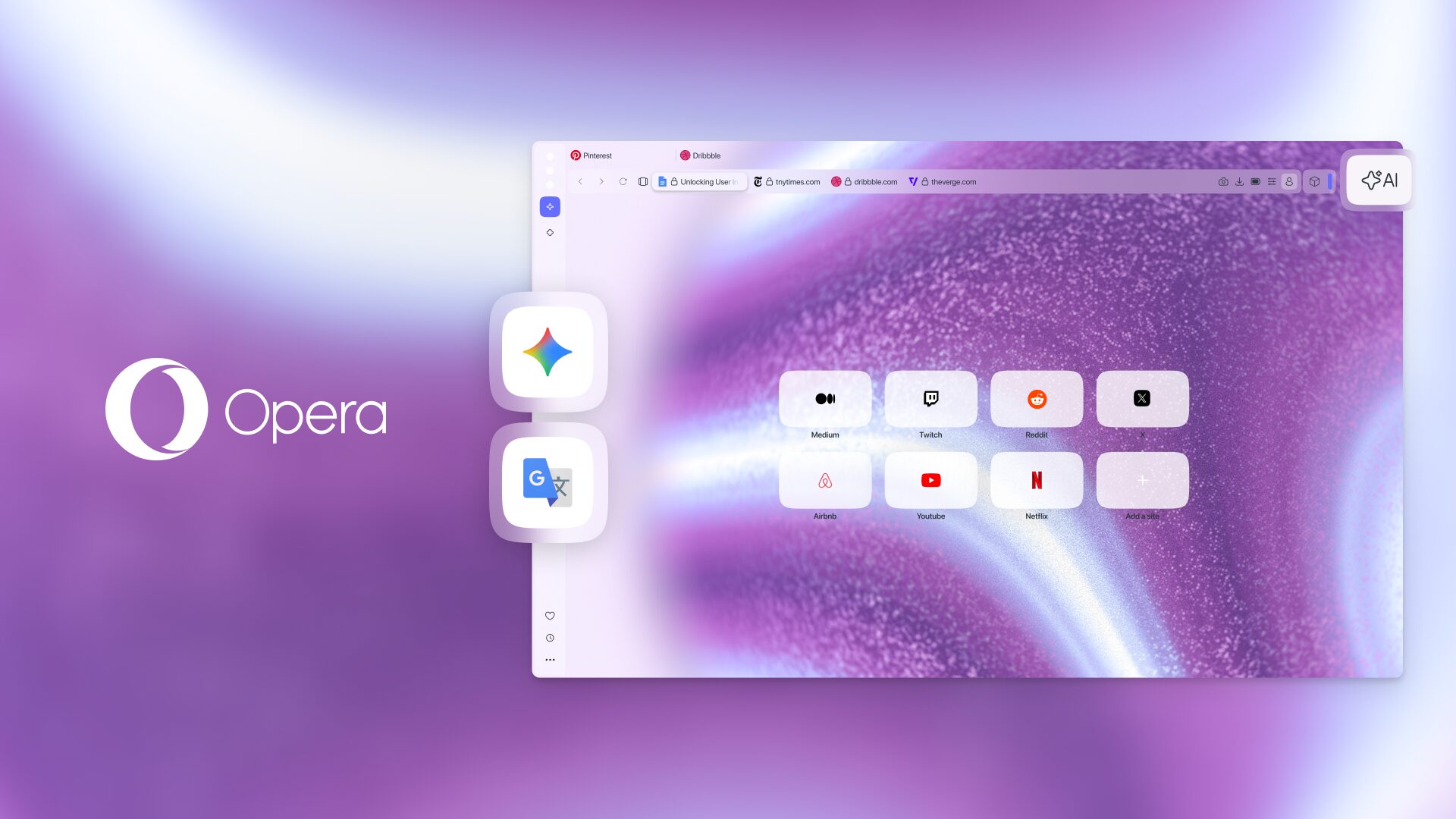
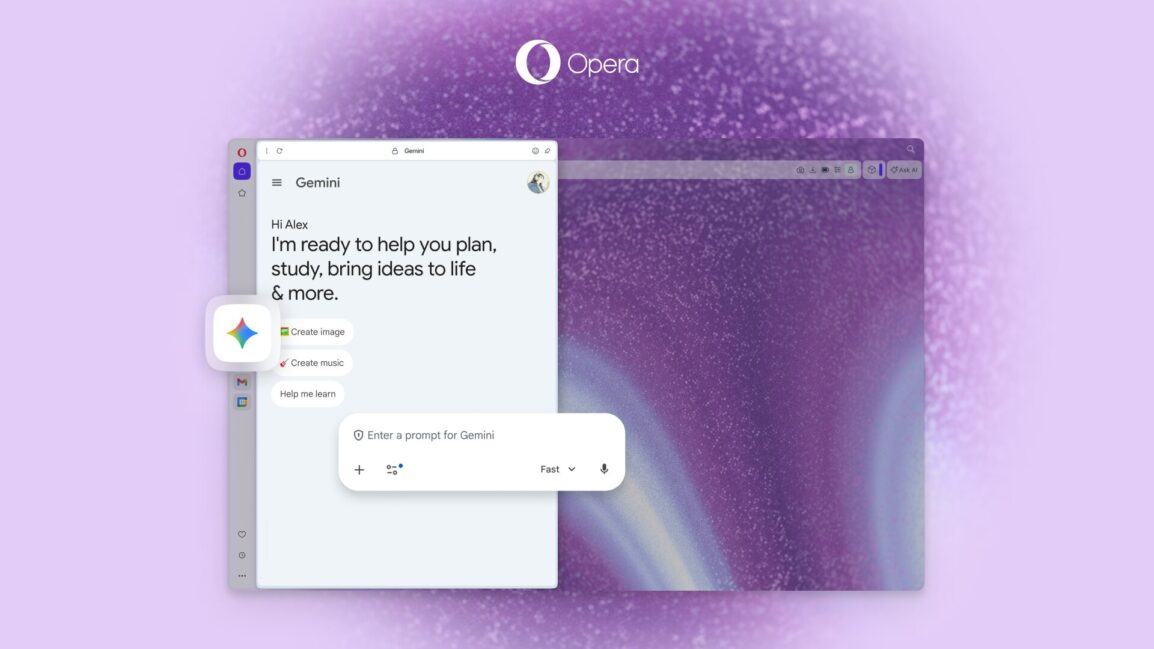
Earlier this month, Google announced the expansion of Gemini features for its Chrome browser. Now, the company’s tool is coming to a third-party browser—Opera—albeit with a different approach. The latest Opera One update brings deeper integration with Google Gemini, which now lives permanently in the browser’s sidebar. The goal is to keep essential tools directly in the peripheral view.
This move marks a significant expansion of the partnership between Opera and Google. Now, users can interact with the AI without abandoning their current webpage. This “sidebar-first” philosophy essentially turns the browser into a multi-tool; you can have Opera’s native AI, ChatGPT, and Gemini all lined up, allowing you to compare responses or switch models based on the specific task at hand.
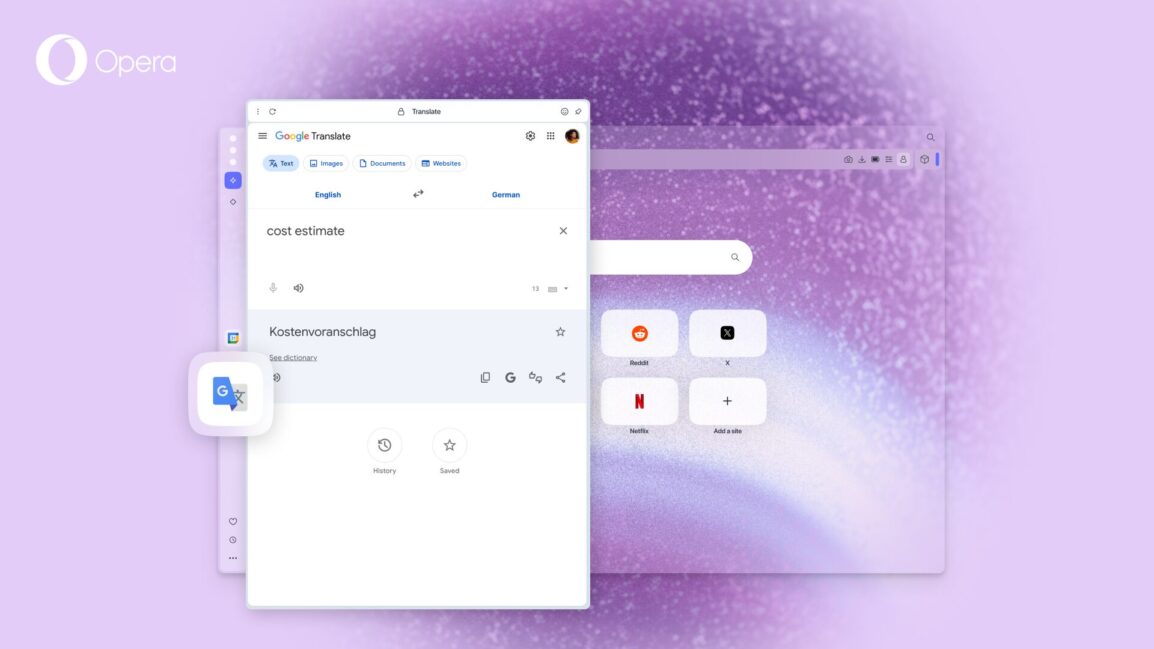
Now you can use Gemini and Google Translate in Opera’s sidebar without switching tabs
One of the most practical aspects of this update is that Opera’s browser AI is now “tab-context aware.” According to Opera’s official blog, the AI can consider the content of your open tabs when processing requests. This means you don’t have to spend time explaining the background of a project; the AI already has the “clues” from what you are currently reading or writing.
The update also brings Google Translate into the sidebar. While Opera already offered full-page translations, this new addition is designed for two-way communication. If you are drafting an email to an international client or messaging a host in a foreign language, you can generate and translate text in the sidebar without the friction of opening a new tab.
The “four-the-win” layout
For those who truly push the limits of multitasking, Opera has expanded its Split Screen feature. Previously limited to two tabs, the browser now supports up to four tabs simultaneously. Users can arrange these into a grid, vertical, or horizontal layout by simply dragging and dropping tabs into the desired position.
This “command center” approach is a clear nod to students and professionals who need to keep a research paper, a data sheet, a video, and a drafting document open all at once.
Personalization boost
Beyond the utility, the update introduces two new Dynamic Themes: Cybervroom and Mizumi. They include animations, custom keyboard sounds, and background music. While Cybervroom leans into a dark, cyberpunk aesthetic, Mizumi offers a “cozy” atmosphere designed for long study sessions.
To get started with these features, users can head to the Sidebar setup menu (the three dots at the bottom) and toggle on the Google and AI services.
The post Opera One Browser Just Integrated Google Gemini to Become the Ultimate Multitasker appeared first on Android Headlines.


Leave a Reply