Here are the steps to register an account as an Adsterra publisher.
- Access the Adsterra website by clicking the following link: https://adsterra.com/
- Enter the appropriate data in the columns provided:
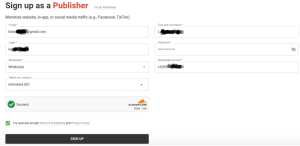
- Don’t forget to tick [v] I’ve read and accept terms & conditions and Privacy Policy
- Press the SIGN UP button.
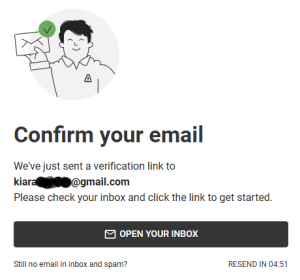
- If a message like the one in the image above appears, it means you need to open your email, look for the email from Adsterra, and find and click the verification link inside it (see the image below).
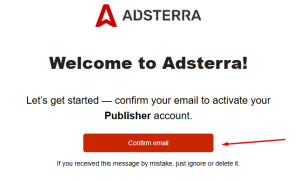
- Press the CONFIRM EMAIL button, then we will be directed to the login page, enter the email and password that we registered previously.
- The Adsterra account creation process is complete.
Leave a Reply